Auto Wallpaper Changer (CLARO Pro)1.8
Publisher Description
Auto Wallpaper Changer (CLARO Pro) changes wallpaper from your personal pics from your gallery.
Its very easy to automate wallpaper changes using "Auto Change Wallpaper (CLARO pro)".
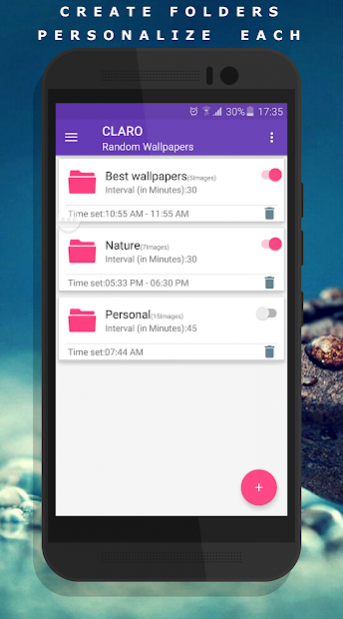
✔ Create multiple folders with set of personal images from gallery
✔ Choose days and time to set the random wallpapers from album,
✔ Set interval time, how often you want to change the wallpaper automatically (Schedule wallpaper changes).
all done !!
Beloved Options:
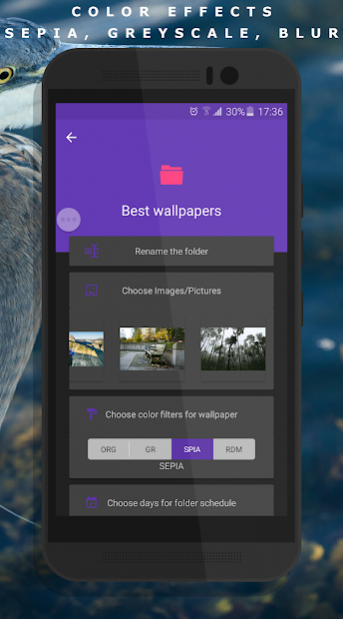
✔ Choose Color Filters for personal wallpapers: Sepia, Grayscale, Blur, Random
✔ Schedule wallpaper changes as per your need: Select Days, Time Range, Interval
✔ Choose Image Order: Random or sequence (shuffle or one direction wallpapers)
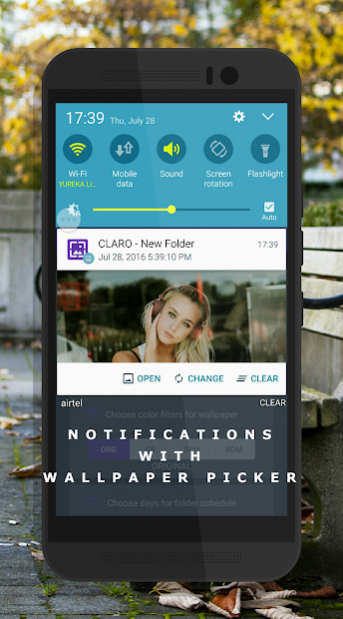
✔ Complete control over Notification alerts: Enable/Disable Notification, notification tone, vibrate, Phone wakeup
✔ Wallpaper Picker: Auto apply wallpaper changes or enable Wallpaper picker on schedule time.
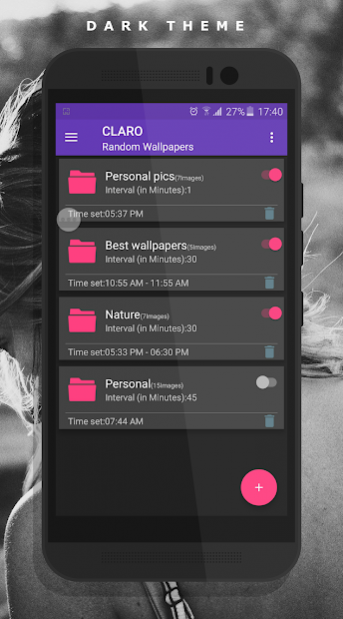
✔ Dark Theme: Material Design with Dark/Light Themes.
✔ Blur Wallpaper
Auto Wallpaper Changer (CLARO Pro) is not a Live Wallpaper, its phone background changer App without any background service and hence its very battery friendly.
Please visit
www.yogeshdama.com
for more details
If you like Auto Wallpaper Changer (CLARO Pro) don't forget rate 5 star ★★★★★ or review or can unlock app
About Auto Wallpaper Changer (CLARO Pro)
The company that develops Auto Wallpaper Changer (CLARO Pro) is Zombomob. The latest version released by its developer is 1.8.
To install Auto Wallpaper Changer (CLARO Pro) on your Android device, just click the green Continue To App button above to start the installation process. The app is listed on our website since 2019-12-05 and was downloaded 3 times. We have already checked if the download link is safe, however for your own protection we recommend that you scan the downloaded app with your antivirus. Your antivirus may detect the Auto Wallpaper Changer (CLARO Pro) as malware as malware if the download link to com.bhanu.autochangewallpaper is broken.
How to install Auto Wallpaper Changer (CLARO Pro) on your Android device:
- Click on the Continue To App button on our website. This will redirect you to Google Play.
- Once the Auto Wallpaper Changer (CLARO Pro) is shown in the Google Play listing of your Android device, you can start its download and installation. Tap on the Install button located below the search bar and to the right of the app icon.
- A pop-up window with the permissions required by Auto Wallpaper Changer (CLARO Pro) will be shown. Click on Accept to continue the process.
- Auto Wallpaper Changer (CLARO Pro) will be downloaded onto your device, displaying a progress. Once the download completes, the installation will start and you'll get a notification after the installation is finished.
Program Details
System requirements
Download information
Pricing
Version History
version 1.8
posted on 2019-12-05
Minor improvements.
work in progress: landscape and portrait issue.
